How to Merge PDF Files
Complete Guide to PDF Merging
Master PDF merging techniques to combine multiple documents into one. Learn professional best practices for organizing, combining, and creating cohesive PDF documents.
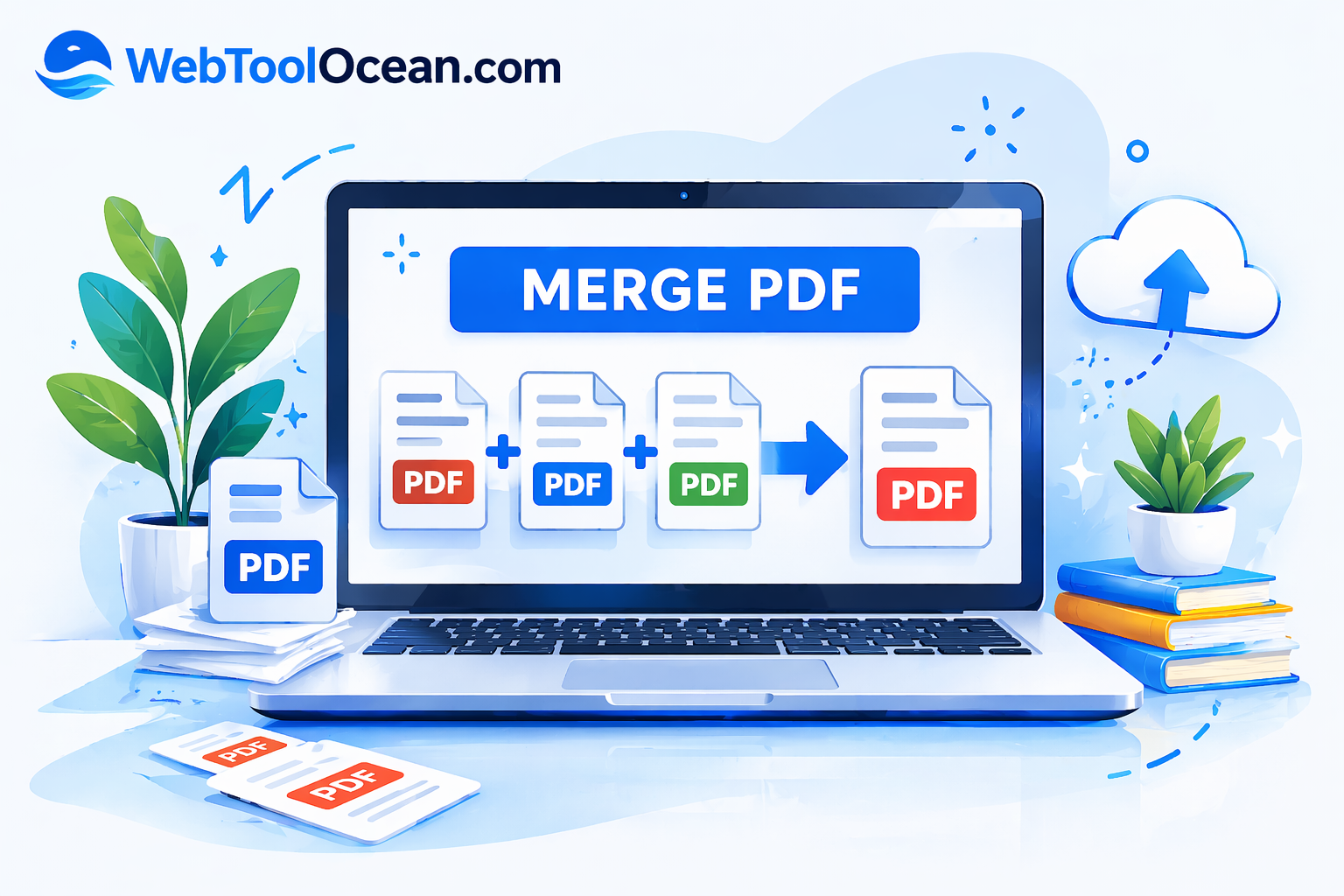
In This Guide
Need to combine multiple PDF files into one? Whether you're organizing scanned documents, consolidating reports, or preparing submissions, knowing how to merge PDF files is an essential skill. Our comprehensive guide shows you the best techniques to combine PDFs professionally in minutes without losing any quality or formatting.
Why Merge PDF Files?
PDF merging is essential for document organization and professionalism:
- Consolidate multiple documents — Combine separate PDFs into one cohesive file for easier sharing and management.
- Professional presentations — Clients and stakeholders expect well-organized documents. Single merged files look more professional.
- Streamline submissions — Many applications require all documents in a single PDF. Merging saves time and reduces errors.
- Reduce file clutter — Instead of managing 10 separate PDFs, keep everything organized in one file.
- Simplify email sharing — Send one merged PDF instead of multiple attachments. Easier for recipients to manage.
Quick Step-by-Step Guide
Upload Your PDFs
Visit our PDF merging tool and select multiple PDF files. Drag-and-drop or click to upload from your computer.
Arrange Page Order
Preview all PDFs and arrange them in the desired order. Drag-and-drop to reorder files until you have the perfect sequence.
Merge & Combine
Click the merge button and wait a few seconds. Our algorithm combines all PDFs seamlessly while preserving formatting and quality.
Download Merged PDF
Download your merged PDF instantly. The new file combines all pages seamlessly — ready to use, share, or print.
Pro Tip: For best results, keep PDFs under 50MB each. If merging documents with different page orientations (portrait/landscape), the tool automatically handles the conversion.
When to Merge PDFs
Business Documents
Combine multiple reports, invoices, or proposals into one comprehensive document for easy sharing with clients.
Academic Work
Merge essay chapters, research papers, or assignment pages into a single submission for school or university.
Legal Documents
Combine contracts, agreements, and supporting documents for legal submissions and record keeping.
E-Books & Manuals
Merge multiple chapter PDFs into one complete e-book or instructional manual for distribution.
Best Practices & Tips
1. Plan Your Merge Sequence
Before merging, decide on the correct order. Write down the sequence to prevent mistakes and ensure the final document flows logically.
2. Check PDF Quality
Ensure all PDFs are complete and readable before merging. Check for corrupt files or missing pages that might cause issues.
3. Verify Page Order
Most tools show a preview before final merging. Review the page arrangement carefully to confirm it's exactly what you need.
4. Keep Backups
Always keep original PDFs backed up. Merging creates a new file, but maintaining originals is good practice for future use.
5. Name Your Merged File
Use descriptive names for merged PDFs. Include date or version info to keep track of different merge iterations.
Key Benefits of PDF Merging
Single merged PDFs look more organized and professional than multiple files.
Merge multiple PDFs in minutes instead of manually managing files.
No quality loss or formatting changes — all content remains intact and identical.
Documents processed securely with no data storage or tracking.
No registration, no limits, no hidden costs — always completely free.
Access from any device, browser, or operating system anytime.
Ready to Merge Your PDFs?
Stop juggling multiple PDF files. Use our free PDF merging tool to combine documents instantly in perfect order. No registration required!
Try PDF Merge ToolFree PDF Merger

WebToolOcean Editorial Team
Last updated:
The WebToolOcean team researches, tests, and reviews the best online tools to help developers, designers, and businesses work smarter. Learn more about us.