Best Way to Compress Images
Complete Guide to Image Optimization
Master image compression techniques to reduce file sizes while maintaining quality. Learn professional best practices for web, email, and storage optimization.
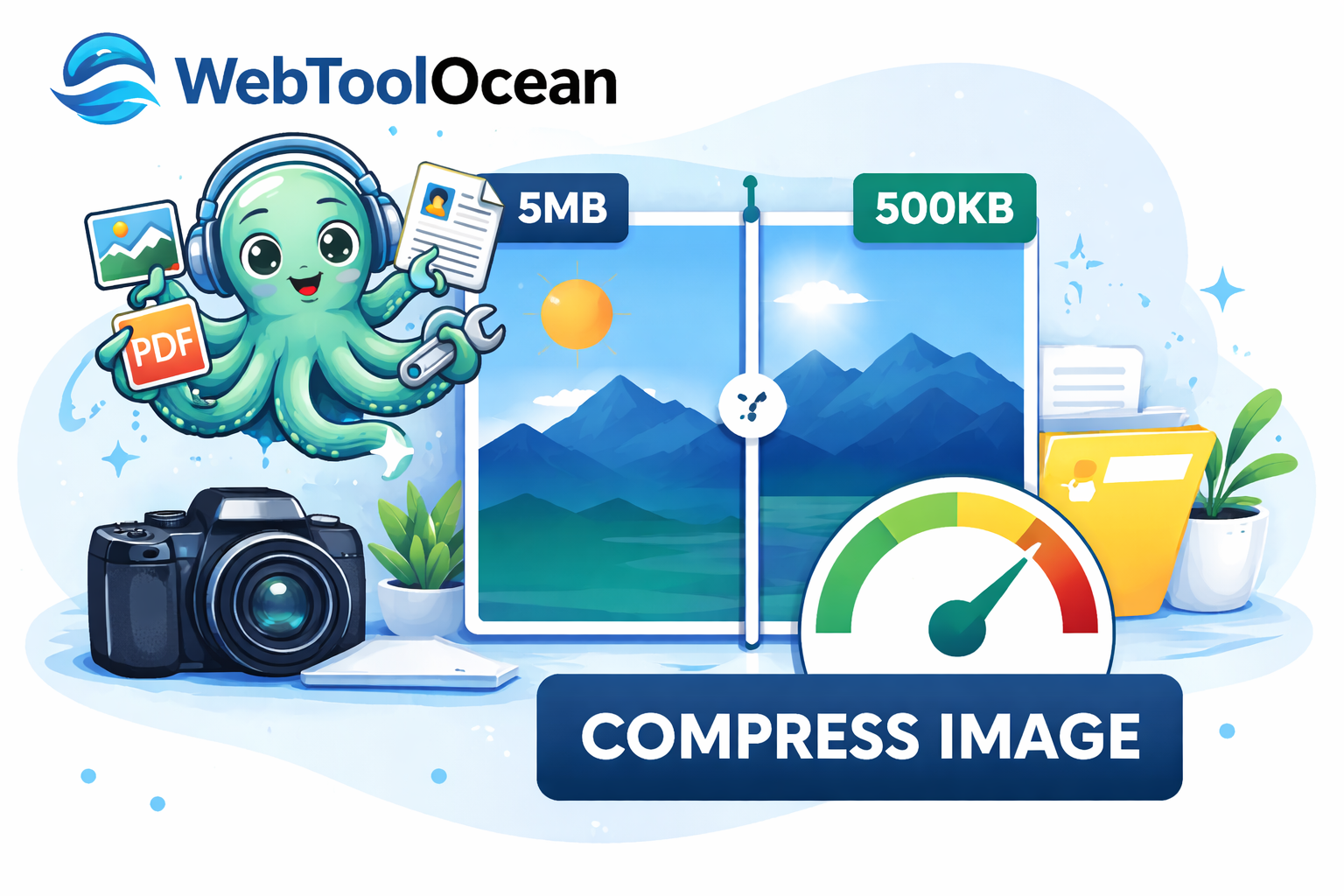
In This Guide
Struggling with 'File Too Large' errors when emailing images? Whether you're a content creator, web designer, or just need to share photos online, image compression is an essential skill. Our comprehensive guide shows you the best techniques to reduce file sizes by up to 90% while keeping your images sharp and professional-looking.
Why Compress Images?
Large image files create multiple problems in today's digital landscape:
- Slower website loading times — Large images directly impact SEO rankings and user experience. Studies show that 2-3 second delays increase bounce rates by 40%.
- Email delivery issues — Many email providers limit attachment sizes. Compressed images slip through effortlessly.
- Storage constraints — Every MB saved multiplies across thousands of images, reducing storage costs and backup times.
- Mobile user experience — Uncompressed images drain mobile data plans and battery life faster than compressed alternatives.
- Better bandwidth efficiency — Smaller files mean faster downloads on slow connections, improving accessibility globally.
Quick Step-by-Step Guide
Upload Your Image
Visit our image compression tool and select your image file (JPEG, PNG, WebP, etc.). You can upload directly from your computer or drag-and-drop for convenience.
Choose Compression Level
Basic compression maintains high quality (best for professional photography), while High compression is ideal for web use and email. Select based on your use case.
Process & Optimize
Our advanced algorithm runs in seconds, removing unnecessary metadata and optimizing pixel data. No quality loss visible to the human eye — only file size reduction.
Download & Use
Download your compressed image instantly. Compare file sizes before and after — you'll typically see 50-90% reduction depending on the original image and compression level selected.
Pro Tip: For social media images, use high compression to maximize faster loading on mobile feeds. For portfolio/professional work, use basic compression to preserve every detail.
Image Formats Explained
JPEG (.jpg)
Best for photographs and complex images. Supports lossy compression (quality trade-off). File sizes typically 70-80% smaller than originals.
PNG (.png)
Ideal for graphics with transparent backgrounds. Lossless compression. Larger than JPEG but maintains perfect quality.
WebP (.webp)
Modern format supported by 95%+ browsers. Provides 25-35% better compression than JPEG/PNG combined.
Key Benefits of Image Compression
Faster pages mean better SEO rankings and reduced bounce rates.
Advanced algorithms remove only invisible data — humans can't tell the difference.
Bypass attachment size limits and ensure reliable delivery.
Reduce cloud storage costs and backup times dramatically.
Faster loading on mobile networks preserves data plans and battery.
Secure compression removes sensitive metadata automatically.
Best Practices & Tips
1. Know Your Use Case
Different situations require different compression levels. Social media images can be heavily compressed, while professional photography needs basic compression to preserve detail.
2. Batch Process When Possible
Instead of compressing images one at a time, look for tools that support batch processing. This saves time when you have hundreds of images to optimize.
3. Test Before & After
Always compare the original and compressed versions side-by-side to ensure quality meets your standards. Most compression tools show file size reduction percentages.
4. Choose the Right Format
JPEG works great for photographs, PNG for graphics/text, and WebP for modern web applications. Format selection can make as much difference as compression level.
5. Keep Originals Backed Up
Always maintain uncompressed originals in a separate location. You never know when you'll need to re-compress at a different quality level or format.
Ready to Compress Your Images?
Stop struggling with large image files. Use our free image compression tool to reduce file sizes instantly while maintaining quality. No registration required!
Try Image Compression ToolCompress Images Instantly

WebToolOcean Editorial Team
Last updated:
The WebToolOcean team researches, tests, and reviews the best online tools to help developers, designers, and businesses work smarter. Learn more about us.